Pro Video tutorials
Reprizo Pro: how it works
Short videos to get started with Reprizo Pro, the buying-counter copilot for second-hand stores: open your account, complete your store profile, make your first estimate, set your trade-in rules, show the offer to your customer, then online trade-in (your trade-in page, the widget on your website, incoming requests, parcels). One minute per video, no voice-over: everything is on screen. Watch them in order.
Videos open on YouTube: this page loads no player, no cookie and no tracker.
Part 1
Getting started
From the free account to the offer shown to your customer: the basics for appraising at the counter.
- 1
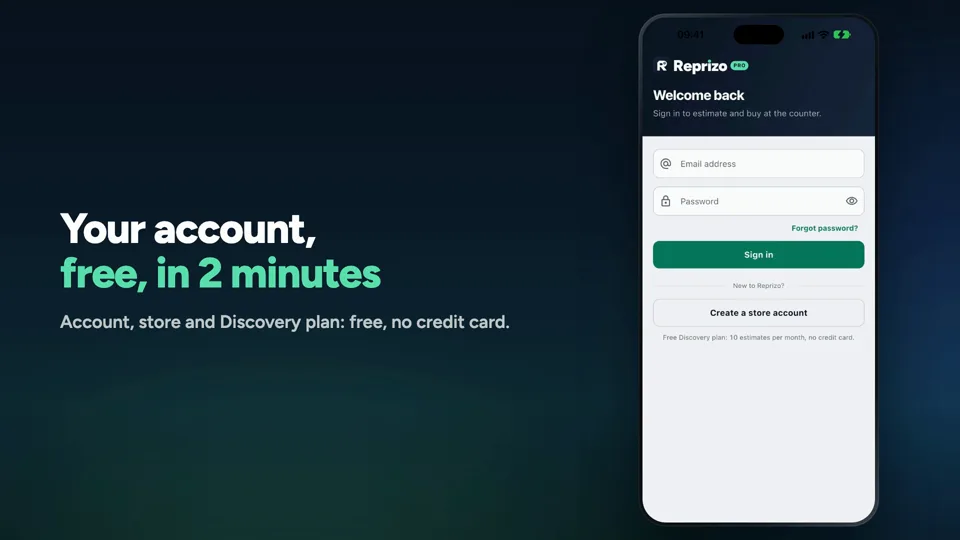
Open your free account
Account, store and Discovery plan: free, no credit card.
- Create your account, no credit card
- Find your store in the directory
- Confirm your email: ready to estimate
- 2
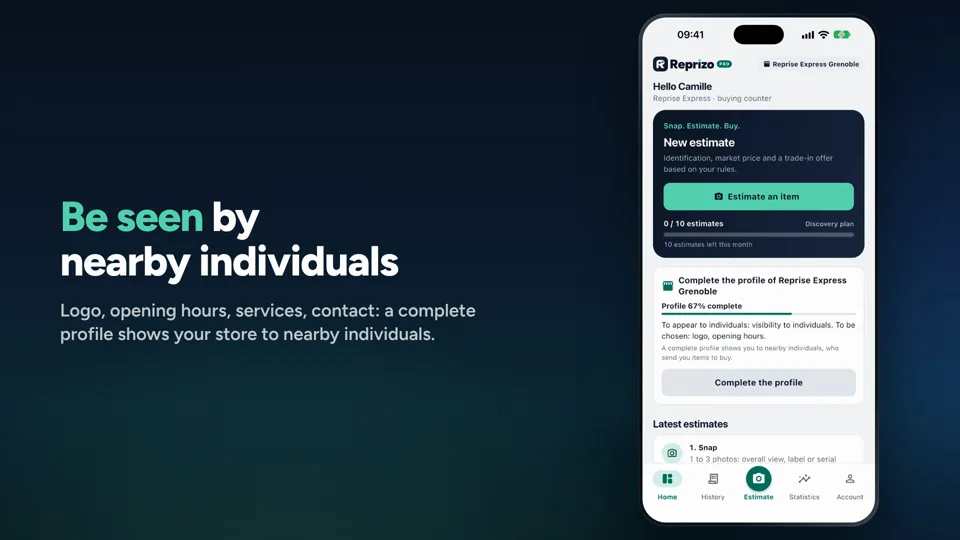
Complete your store profile
Logo, opening hours, services, contact: a complete profile shows your store to nearby individuals.
- The home screen tells you what's missing
- Logo, opening hours, services, contact
- Visible in the Reprizo app
 51 secs3
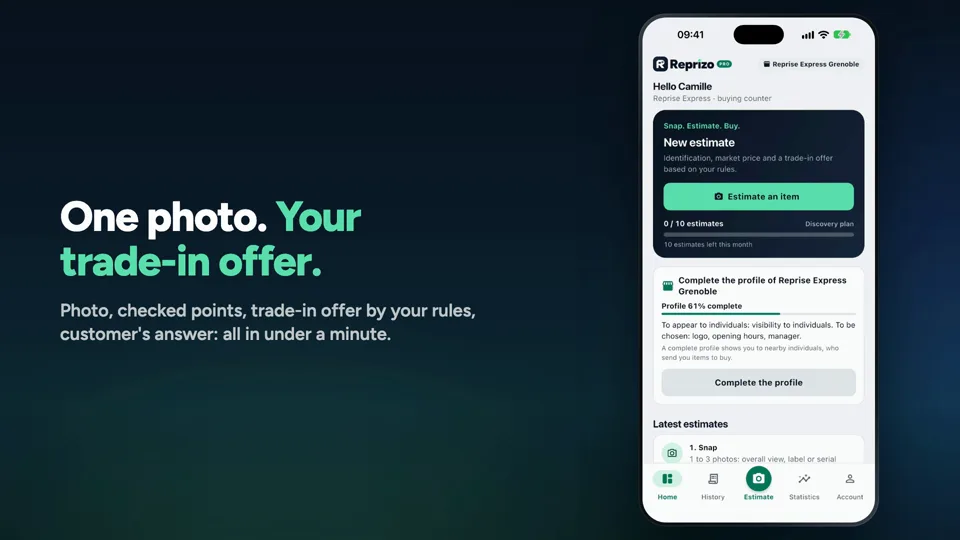
Your first estimate at the counter
Photo, checked points, trade-in offer by your rules, customer's answer: all in under a minute.
- Photo and what you checked
- Offer by your rules, margin included
- Customer's answer recorded
Coming soon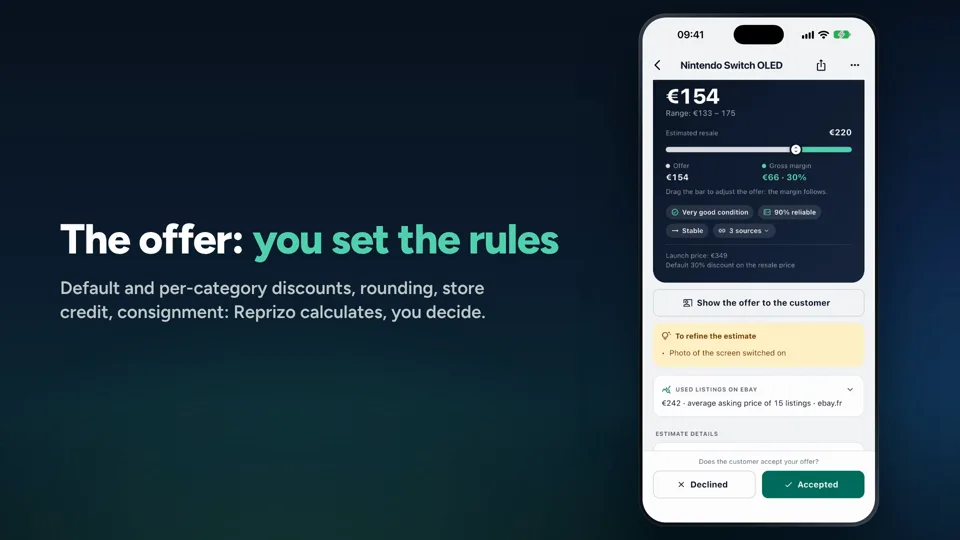 44 secs4
Your rules make the offer
Default and per-category discounts, rounding, store credit, consignment: Reprizo calculates, you decide.
- Default and per-category discounts
- Rounding, store credit, consignment
- Simulate, then save
Coming soon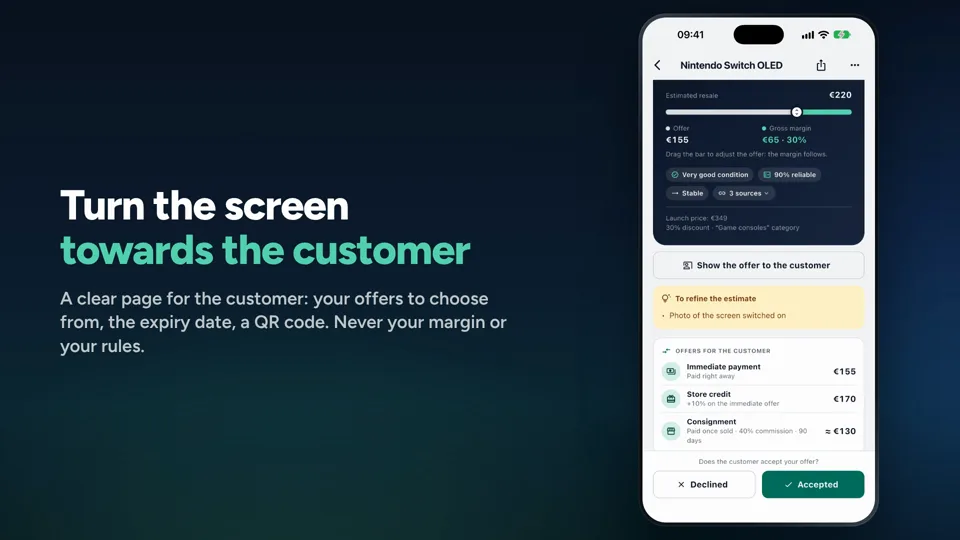 39 secs5
Show the offer to the customer
A clear page for the customer: your offers to choose from, the expiry date, a QR code. Never your margin or your rules.
- One button from the estimate
- Offers to choose from, expiry date, QR code
- Customer accepts: agreement saved
Coming soon